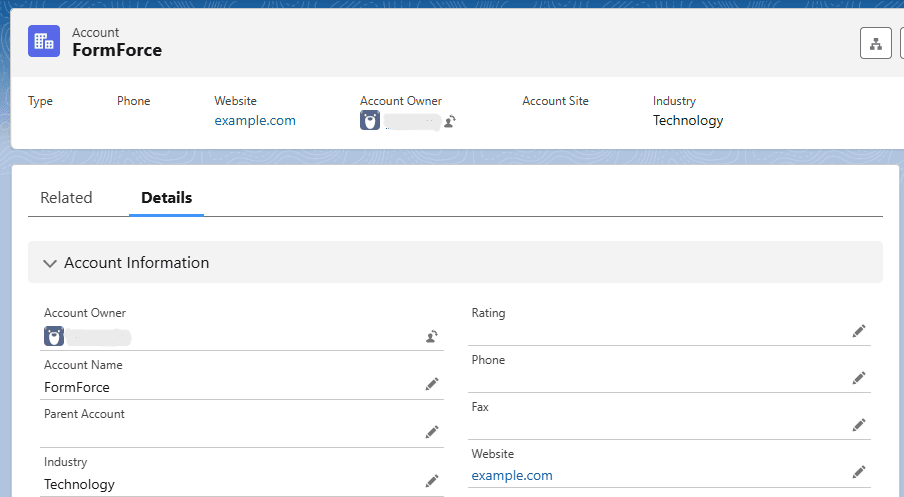
FormForce Demo
This demo shows a real production-like integration flow. External users cannot access data, forms, or records directly. Everything starts with a connected client application and a secure Salesforce OAuth connection.
Use Case Scenario
- Client creates a Salesforce Connected App
- OAuth credentials are generated
- Client connects Salesforce org to FormForce
- Client creates a form bound to Salesforce objects
- Form is embedded into an external website/app
- External user submits the form
- FormForce processes and validates the data
- Record is created in Salesforce
System Flow
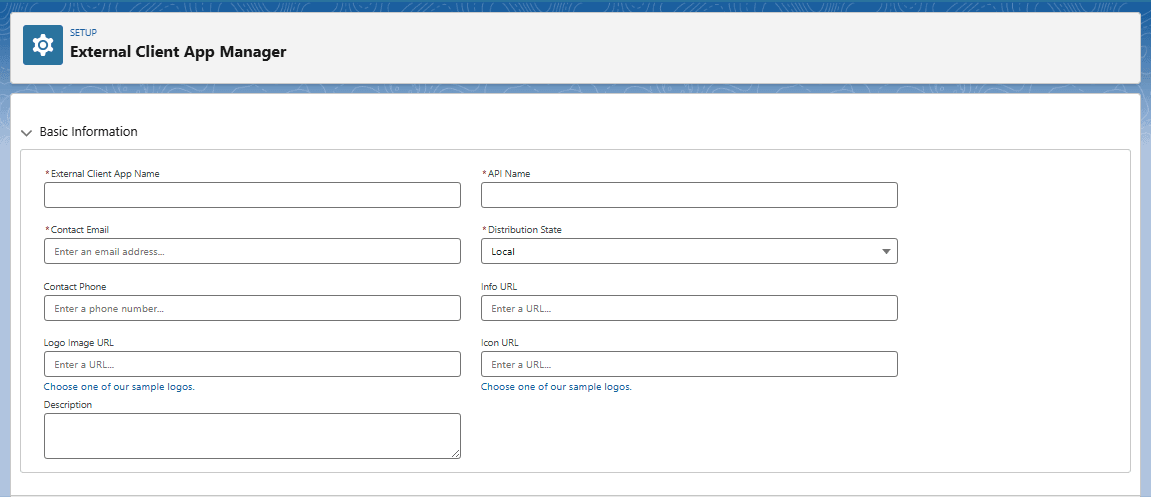
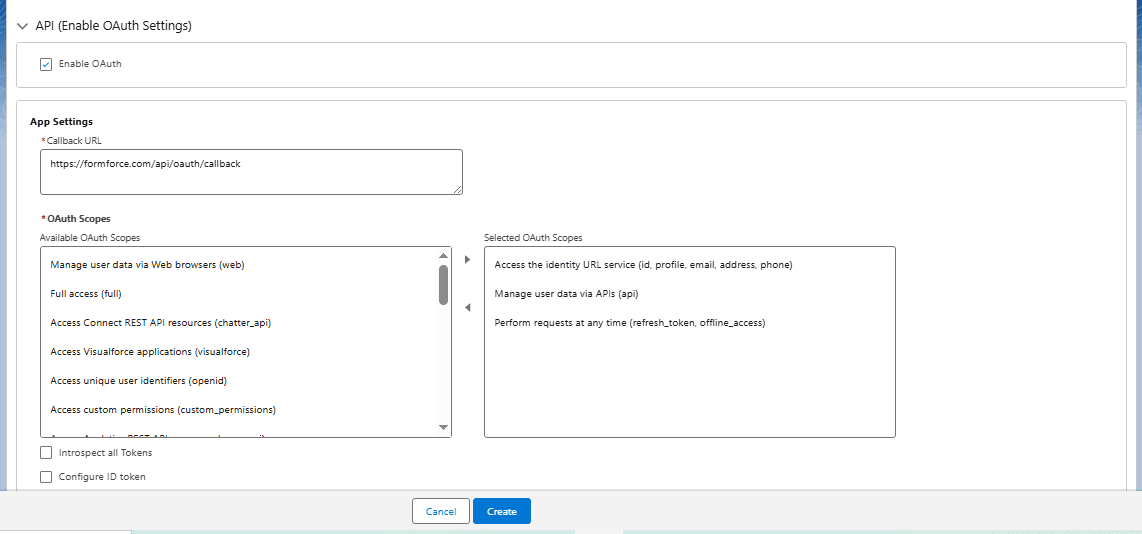
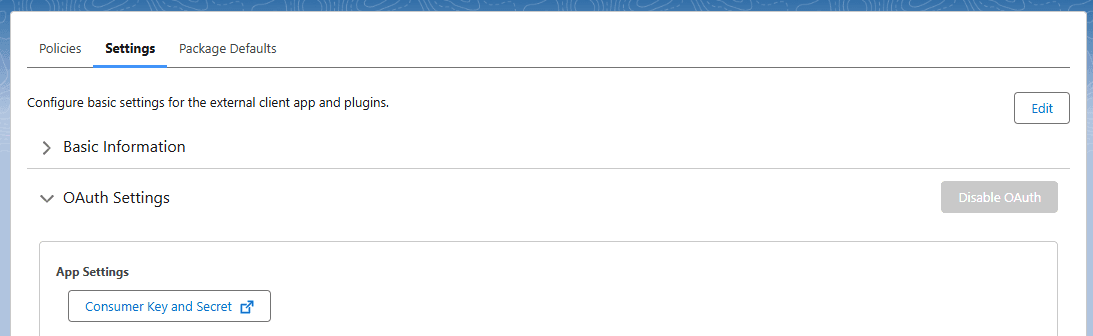
1. External Client App
Create a Salesforce External Client App and generate OAuth credentials
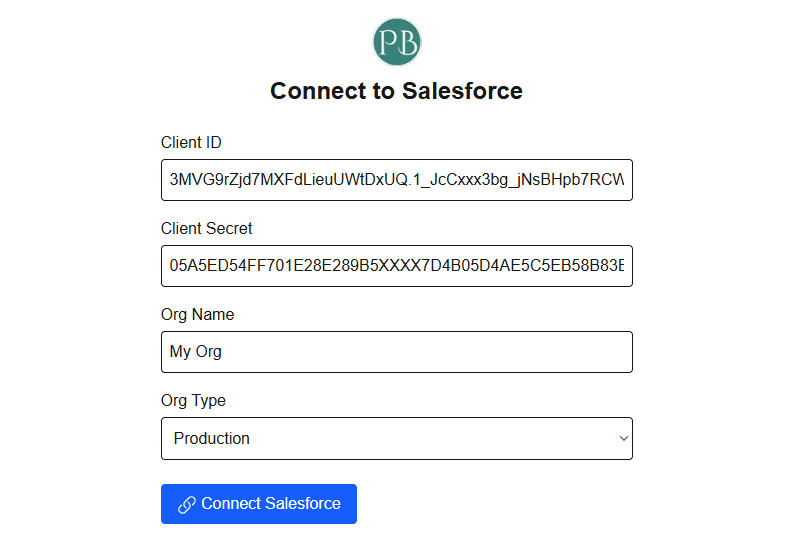
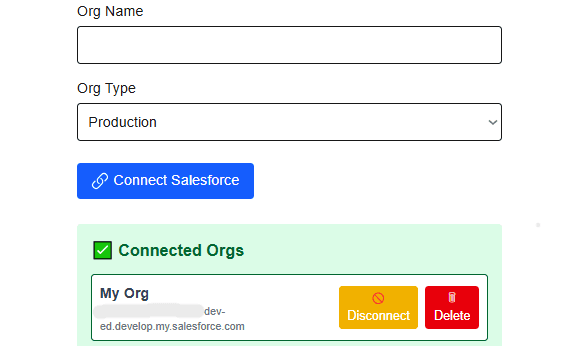
2. Secure Connection
Connect Salesforce org to FormForce using Client ID & Secret
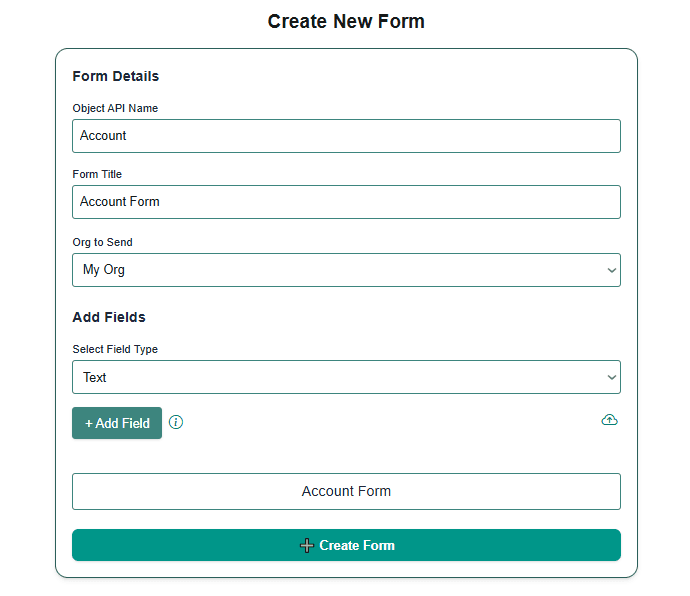
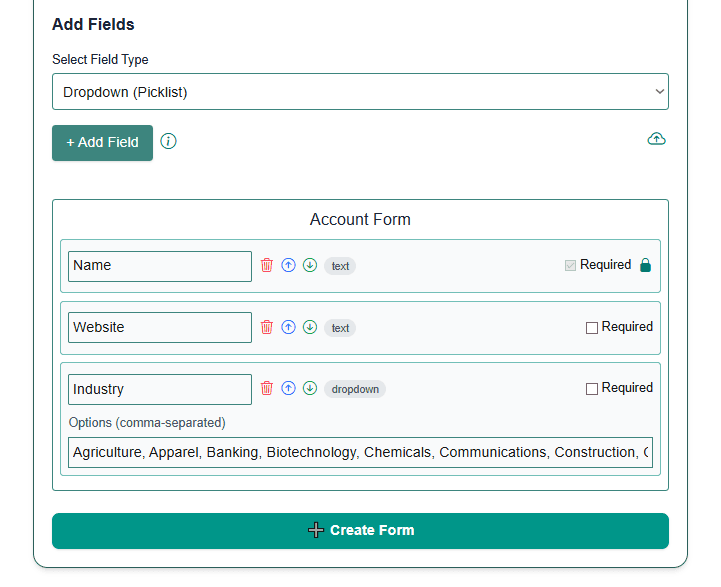
3. Form Configuration
Select Salesforce object and dynamically bind fields
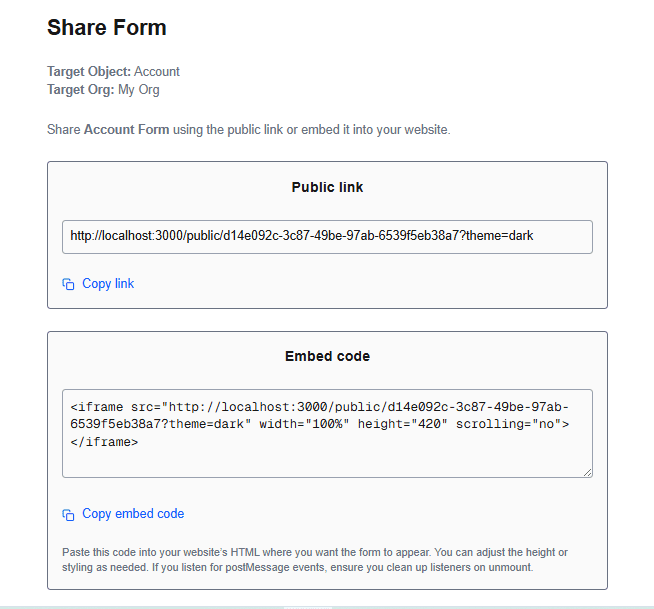
4. Embed & Share
Generate public link or embed code for external platforms
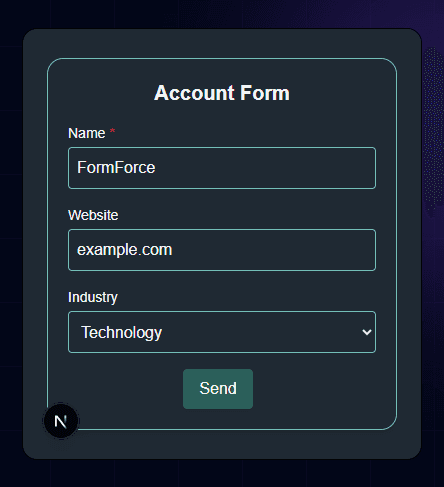
5. External Submission
External users submit data without Salesforce access
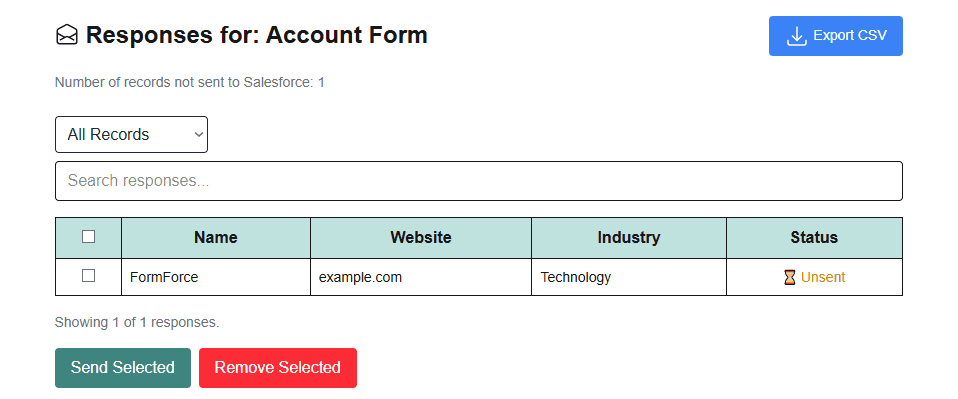
6. Processing & Approval
Validation, security checks, and approval before write
7. Salesforce Record Creation
Data is written into Salesforce standard or custom objects